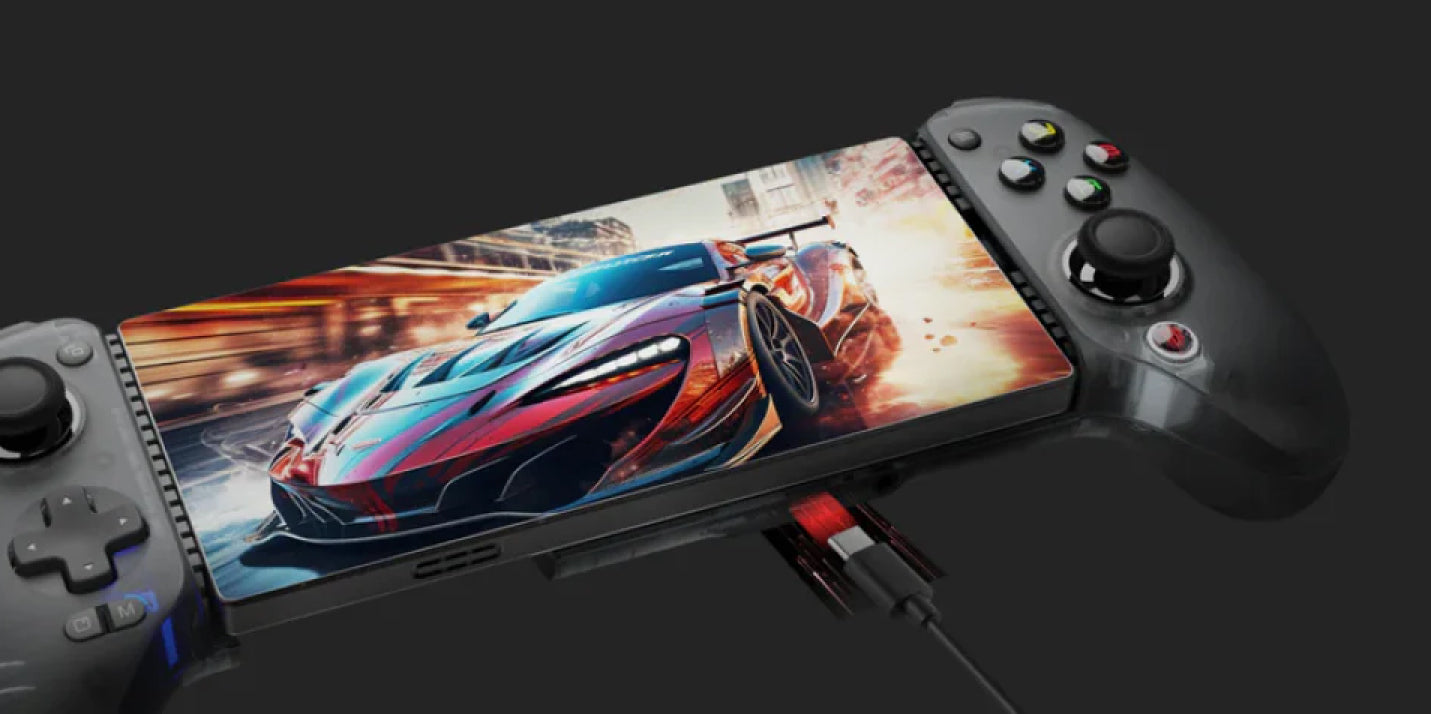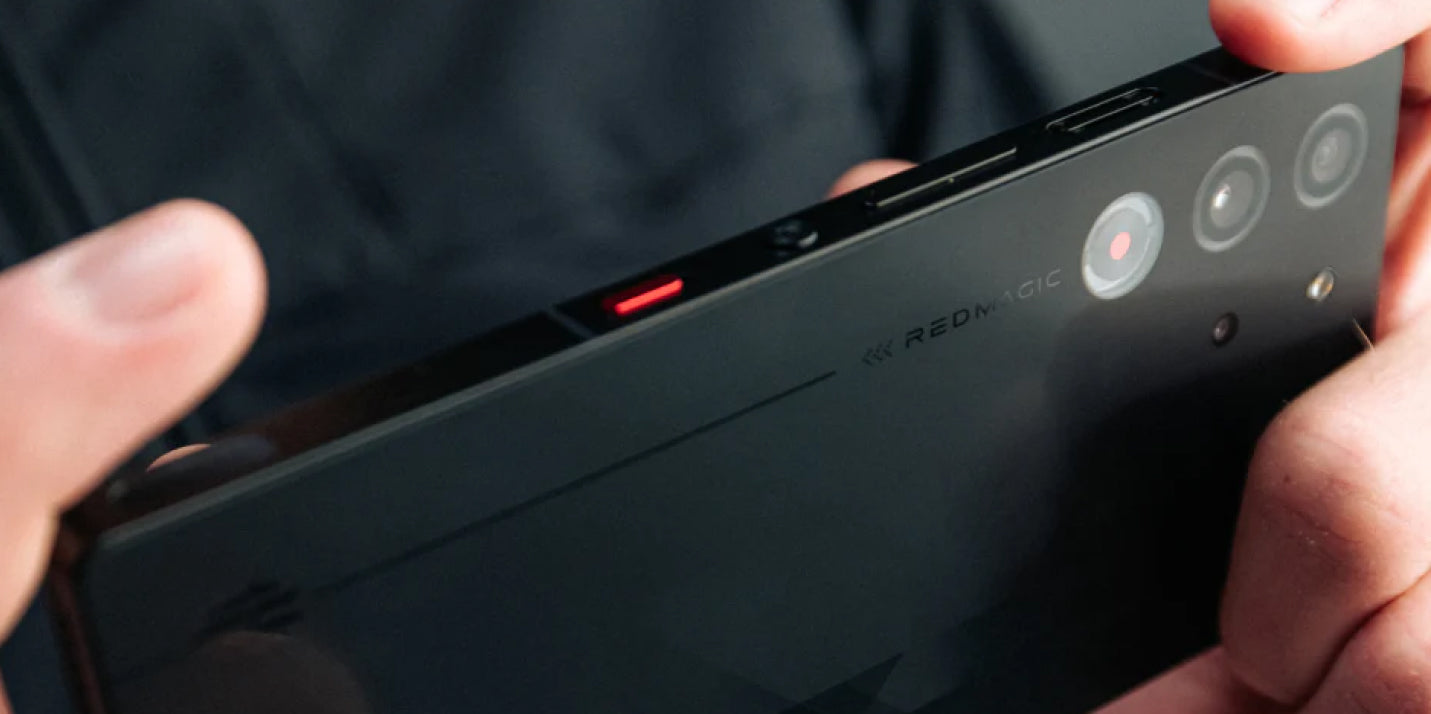





All gaming devices have to deal with the concept of thermal management. Whether you’re dealing with PC or mobile gaming, heat is an unavoidable challenge when it comes to powerful gaming. With gaming tablets in particular, cooling systems have a double-edged task ahead: delivering superior performance from inside a much more compact frame. Today, we’ll be looking at how the cooling systems in the REDMAGIC Astra and Astra 2 compare, how they’ve evolved, and which is the better choice for you.
Now, the original REDMAGIC Astra 1 approached thermal control with a 13-layer ICE-X Cooling System, combining Liquid Metal 2.0, vapor chambers, graphene, copper, and a 20,000 RPM turbofan. On the other hand, the Astra 2 introduced our innovative AquaCore Cooling System 2.0 and Liquid Metal 3.0 as part of a redesigned thermal architecture. So, what actually changed between the two generations? And why does cooling matter when comparing Astra 1 and Astra 2?
The OG Astra: A Multi-Layered Approach to Cooling
The first Astra was designed around a familiar principle: managing heat requires more than one component. The enhanced ICE-X Cooling System featured a 13-layer design. It also comes fitted with the industry’s first dual-layer sandwich vapor chamber, which operates simultaneously above and below the chipset to rapidly disperse heat.
Alongside this was our addition of Liquid Metal 2.0, a premium thermal interface material with a conductivity of 200 W/m·K. This liquid metal is commonly used in high-end gaming laptops and PCs, softening slightly around 50°C to enable superior heat transfer far beyond traditional cooling methods. Positioned strategically between the CPU and battery chip, it reduces the tablet’s temperatures by 5°C.

The Astra also comes with our signature 20,000 RPM high-speed turbofan, fitted with 17×17mm shark-fin blades and custom RGB lighting to give you seamless heat dissipation while staying as silent as a whisper, keeping you locked in with every game. This approach made sense for the original Astra's hardware. The tablet's Snapdragon 8 Elite platform delivered flagship-level processing power, while the large 9.06-inch 2.4K OLED display could operate at up to 165Hz.
For everyday gaming or players who mainly enjoy shorter sessions of demanding games, the OG Astra comes with an impressive cooling system. However, modern cooling hardware has to keep up with every demand these days.
Why Sustained Cooling Matters Today
In today’s modern gaming landscape, devices need to be more powerful to keep up with the latest gaming titles and escalating processing demands. This naturally means that cooling systems need to keep getting better to offset the heat from those demanding workloads.
Now, it’s important to understand that heat generation by itself isn't automatically a problem. Every powerful processor lets off heat when it works hard. The important question is what happens when that heat continues to build. When temperatures become difficult to manage, devices tend to reduce processor speeds to control thermal conditions. This process is called thermal throttling and can affect sustained performance and may contribute to inconsistent frame rates.
So, why should we be worried about sustained performance? Well, gaming performance isn't only about peak processing power. A tablet might produce impressive performance specs for a few minutes, but longer sessions can apply greater pressure on the thermal system in place.
For demanding games, high graphical settings, emulation workloads, livestreaming, and more, this can spell incessant lag, uncomfortable heat, and battery damage if left unchecked for extended periods. This is why we went back to the drawing board to come up with the Astra 2’s cooling system, looking for solutions that focused on sustained performance.
Astra 2: Introducing AquaCore Cooling System 2.0
The Astra 2 made history with its debut as the first mass-produced tablet brand to pioneer liquid cooling. While the technology was already being implemented in our 11 Pro gaming smartphone, we enhanced it to fit our latest gaming tablet design as well. The Astra 2 uses our 12-layer AquaCore Cooling System 2.0, redefining thermal efficiency and establishing a new standard for sustained high-performance gaming.
The tablet comes fitted with an upgraded vapor chamber with dual-side protrusions to ensure greater volume and higher cooling efficiency without adding any bulk to the device. As an industry-first expansion, this patented 4D large, tiered VC design sets the Astra 2 apart from the rest, alongside multi-dimensional heat spreading and patented cooling technology designed for high-performance chipsets.

The system also uses Liquid Metal 3.0 placed above the vapor chamber to ensure drastic heat dissipation. This allows cooling to last longer, sustaining peak performance without any throttling issues. For the flowing liquid cooling, we developed an ultra-compact micropump to circulate coolant through laser-cut flow channels within the tablet.
The Astra 2 also uses its larger tablet form factor to accommodate an extensive thermal structure beneath the display. This includes cooling alloy, graphene, copper foil, thermal gel, motherboard cooling layers, and an aluminum alloy mid-frame working alongside the liquid cooling system. The result isn't simply more cooling, it's a change in how heat is managed throughout the device.
ICE-X vs. AquaCore: What's the Difference?
The easiest way to understand the two systems is to look at their design philosophies. The first Astra’s ICE-X system brings together multiple passive and active cooling technologies. The Astra 2 then builds on that concept but places greater emphasis on circulating liquid through a compact thermal network.
That distinction matters because cooling is fundamentally about moving heat. The faster and more effectively heat can be transferred away from critical components and distributed across the system, the more manageable sustained workloads become.
|
Cooling Feature
|
REDMAGIC Astra 1
|
REDMAGIC Astra 2
|
|
Main Cooling Architecture
|
13-layer ICE-X
|
AquaCore Cooling System 2.0
|
|
Liquid Metal
|
Liquid Metal 2.0
|
Liquid Metal 3.0
|
|
Vapor Chamber
|
Dual-layer sandwich VC
|
Larger tiered VC
|
|
Thermal Materials
|
Graphene, copper, and other layers
|
Graphene, copper, thermal gel, and additional cooling layers
|
|
Active Cooling
|
20,000 RPM turbofan
|
Flowing liquid cooling
|
|
Primary Focus
|
Multi-layered heat dissipation
|
Sustained thermal management and heat distribution
|
While the Astra 1 uses the Snapdragon 8 Elite, the Astra 2 moved to the Snapdragon 8 Elite Gen 5 alongside the newer REDCORE R4 gaming chip. This newer hardware created different performance and thermal-management demands for the Astra 2, particularly for power-intensive games and workloads.
The Astra 2 also increased the display refresh rate from up to 165Hz to up to 185Hz. Put simply, the Astra 2’s cooling system is part of a larger performance equation. Newer hardware can provide additional performance potential, but that potential is most useful when the tablet can manage the heat generated during sustained workloads.
Now, for casual or shorter gaming sessions, the difference between Astra and Astra 2's cooling systems may not be incredibly noticeable at first. In fact, it might only become apparent when your gaming sessions stretch into an hour or longer, particularly with graphically demanding games.
In our 60-minute lab tests using Call of Duty: Mobile, the Astra 2 averaged 145.3 FPS and reached 43.8°C, while the competing Android tablet used in the test averaged 143.8 FPS and reached 45.1°C. Those results illustrate the broader purpose of advanced cooling: not to simply eliminate heat, but to help the hardware operate consistently while managing the heat that demanding workloads naturally produce.
So, Which Cooling Approach Makes Sense for You?
The first Astra tablet is a formidable device with a sophisticated thermal system. If you already own one and it handles your games comfortably, its ICE-X cooling architecture will likely continue to provide a strong foundation for gaming. The Astra 2 is aimed at players who want the newer hardware and a cooling system designed specifically around sustained performance. The AquaCore Cooling System 2.0 becomes crucial if your gaming routine includes long sessions, demanding graphics, Android emulation, or workloads that consistently push the processor.
Remember, cooling isn't about making a gaming tablet magically cold. High-performance hardware produces heat, and no cooling system can eliminate that reality. Instead, good thermal engineering is about controlling that heat so the device can maintain a consistent level of performance for as long as possible. With the Astra and Astra 2, either option is technically the right one when it comes to that cooling philosophy.
Cooling As Part of the Gaming Experience
The shift from the Astra 1 to the Astra 2 tablet shows how cooling systems have become increasingly integrated with overall device design. While neither approach can magically claim to change the basic principles of thermodynamics, they both find ways to manage heat effectively for their needs.
For OG Astra owners who are already satisfied with their experience, there may be no immediate reason to change. However, players looking for newer processing hardware and a thermal architecture specifically designed around sustained workloads should probably take a closer look at the Astra 2. Either way, REDMAGIC provides cooling prowess that keeps you winning for longer.
FAQ
Q: What cooling system does the REDMAGIC Astra 1 use?
A: A 13-layer ICE-X Cooling System with Liquid Metal 2.0, vapor chambers, graphene, copper, and a 20,000 RPM turbofan.
Q: What cooling system does the REDMAGIC Astra 2 use?
A: An AquaCore Cooling System 2.0, which combines liquid cooling, Liquid Metal 3.0, a large vapor chamber, and multiple thermal materials designed to manage sustained workloads.
Q: Does the Astra 2 stay completely cool while gaming?
A: No gaming device can eliminate heat. Powerful processors naturally generate heat under load. The Astra 2's cooling system is designed to manage and distribute that heat to support more consistent performance during demanding workloads.
Q: Is the Astra 2’s cooling useful for games that aren't extremely demanding?
A: Yes, although the difference may be less noticeable. Advanced thermal management is mostly relevant during workloads that consistently push the processor, like demanding games, emulation, high graphical settings, and extended sessions.
Q: Does better cooling mean higher FPS?
A: Not automatically. FPS also depends on the processor, game optimization, graphics settings, software, and the game's own frame-rate limits. Effective cooling can, however, help a device sustain its performance for longer during demanding workloads.
Q: Should Astra owners switch to Astra 2 specifically for cooling?
A: It depends on how the tablet is used. If an Astra 1 already handles your games comfortably, there may be no immediate need to upgrade. The Astra 2 becomes more relevant for players who want its newer chipset, AquaCore Cooling System 2.0, 185Hz display, and other updated hardware features.